
Name-Based Case Searches
The free public starting point for a Faulkner County docket search is Search ARCourts. Pick Participants. Type a last name, and add first-name text. From there, open the advanced filters and set County Name = Faulkner. Type just one or two first-name characters. The system demands an exact match. Three or more return exact and partial hits, plus aliases. A single middle-name character pulls up any middle name containing it.
- Open Search ARCourts and select Participants under Search by.
- Enter a last name and enough first-name text to narrow the result.
- Open advanced filters, choose Faulkner County, then add Court Location or Case Type when known.
- Review the result list and open only a candidate with a matching court, case number, type, filing date, and caption.
- Read Case Events and Docket Entries, then contact the correct clerk if identity or status is unclear.
The public form offers more than a simple name box. View the Search ARCourts source to see the participant and case controls it publishes.
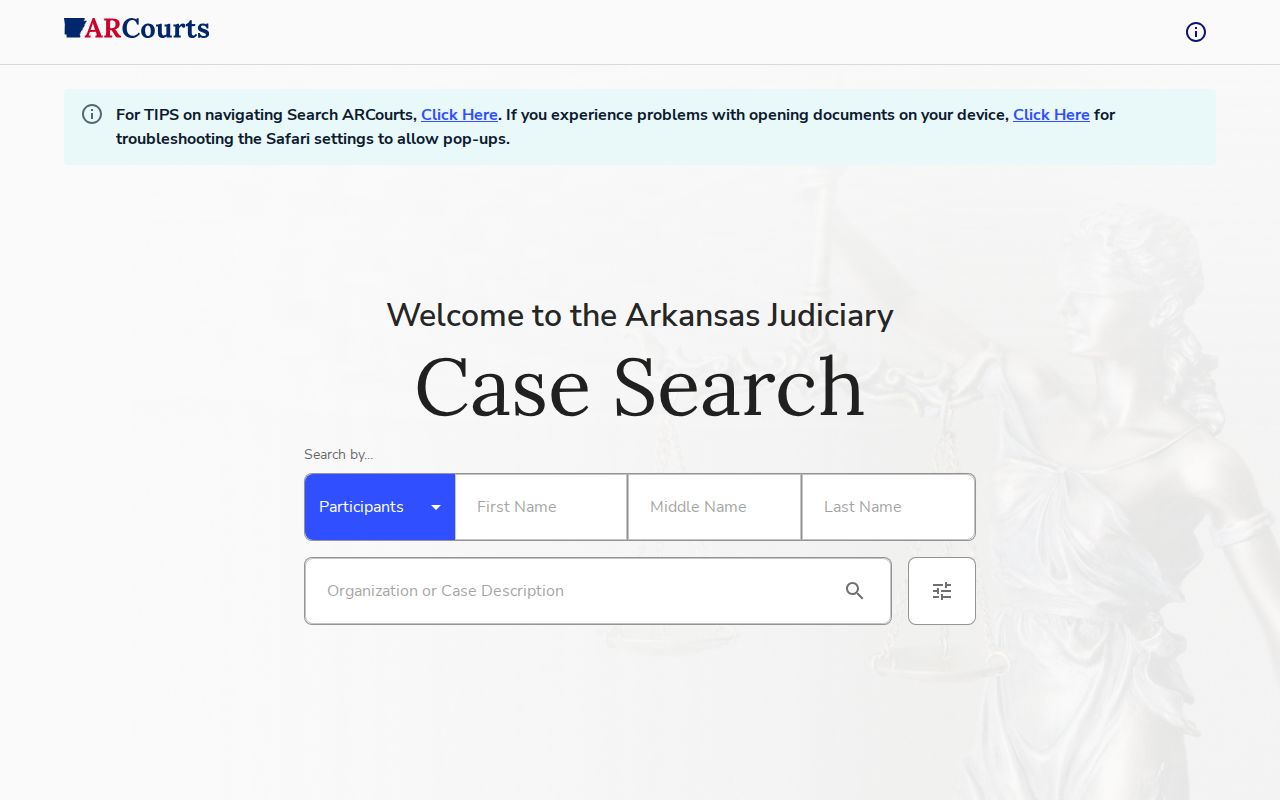
This statewide entry point narrows a search to Faulkner County courts.
| Field | Type | Required | Use |
|---|---|---|---|
| Search by | Dropdown | Not stated | Participants or Cases |
| First, middle, last name | Text | Optional | Name and partial-match rules apply |
| County Name | Selection | Optional | Choose Faulkner |
| Court Location | Selection | Optional | Narrow to Circuit or a district department |
| Case Type | Selection | Optional | Limit a broad result set |
Faulkner County Docket Search Name Rules
Organization names trip people up. The recorded spelling often differs from what you would guess, so the official field guide says to try the exact organization entry first. If that flops, put one or two distinctive organization words in Last Name. Piling on more text only increases the chance that a small naming difference buries the record.
Widen a person search the smart way. Add Faulkner County first, then the Court Location or Case Type you know. Save the date-of-birth and driver's license fields for your own case when the court has that data on file. And remember, a similar name proves nothing. Check the number, court, caption, filing date, and case type together before you call it the right case.
Results display 25 rows by default, with 50 and 100 row options. Sort, filter, and resize the columns. Use those tools before guessing again.
Case Number Searches
When you have it, the case number is the strongest Faulkner County docket search key. Flip Search by to Cases. Type the number exactly as it appears on the notice or filing. Arkansas numbers can carry a year, case-type characters, and a sequence. But there is no single universal Faulkner format across every court and era. A federal number like 4:26-cv-00829-DPM-JJV stays federal. Do not reshape it into a state format.
Citation Number is its own field in Cases mode. It works well for a District Court traffic matter. Getting nothing back? Check the punctuation and digits. Delete any stray space, confirm the county, and pick the correct court location. Then fall back to a participant search. For circuit records older than the online public boundary, call the Faulkner County Circuit Clerk. Do that instead of assuming no file exists.
Faulkner County Docket Search Filters
County Name and Court Location are different filters. County Name = Faulkner limits the search to the county. Court Location then pinpoints Circuit Court or the Conway, Greenbrier, Guy, Mayflower, or Vilonia District Court department. The distinction matters. Each district department keeps its own docket, and a home address never picks the venue.
Lead with your strongest identifier. Case or citation number beats participant name. If a name is all you have, add Faulkner County and then one verified detail at a time. Date range and Case Type help, but a narrow wrong filter can bury a valid hit. Drop the least certain filter first.
Search check: A missing Faulkner County result can reflect spelling, location, date coverage, document availability, confidentiality, or sealing. It does not prove a case fact.
Case Search Results Explained
A Faulkner County case result opens into several views. Case Summary holds the core number, court, type, filing date, status, and caption. Participants lists public party roles and representatives. Case Events shows scheduled or procedural activity. Docket Entries gives the chronological register. Criminal cases can also display offenses and sentences when public, and relationships and milestone tracks may describe linked procedural history.
| Case number | The court's identifier used to return to the same record. |
|---|---|
| Court and location | The Circuit Court or local District Court department holding the docket. |
| Case type and status | Classification and current system state, read with the entries. |
| Participants | Public names, roles, aliases, and attorneys when shown. |
| Case Events | Scheduled and procedural activities, including status history. |
| Docket Entries | Filed and court-generated activity in date order. |
| Documents | Public images only when an online link is available. |
The Arkansas Judiciary explains these views in its public case-view release notes. See the official first case-view field source for the public tab design.
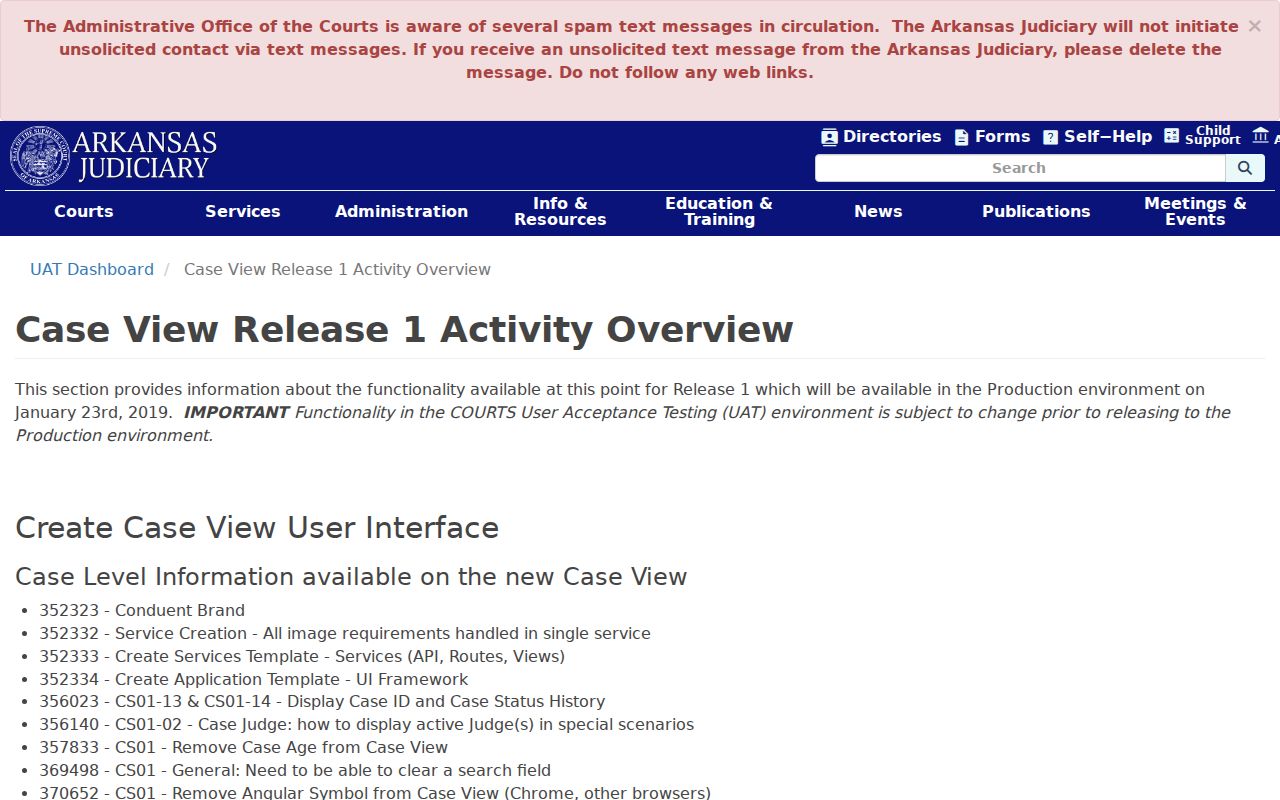
The layout reinforces the difference between a summary, scheduled event, and docket entry.
Faulkner County Docket Search Tools
Search ARCourts results are sortable and filterable. Hover a heading for the sort arrow. Type into the filter beneath it, and drag the faint right edge to resize. Page-size controls offer 25, 50, or 100 rows. When a common name floods the screen with a long Faulkner County result set, those steps tame it fast.
Apple Safari may block a document window as a pop-up. Allowing pop-ups can fix the display. It cannot create a document the court never made available. No official source promises that every public image is online. Nor does one promise a fixed update interval, an export feature, or a total hard cap. If the case is right but the image is missing, ask the filing clerk for the named document.
A later release note documents more case-view activity fields. Review the second official case-view source for the added public detail.
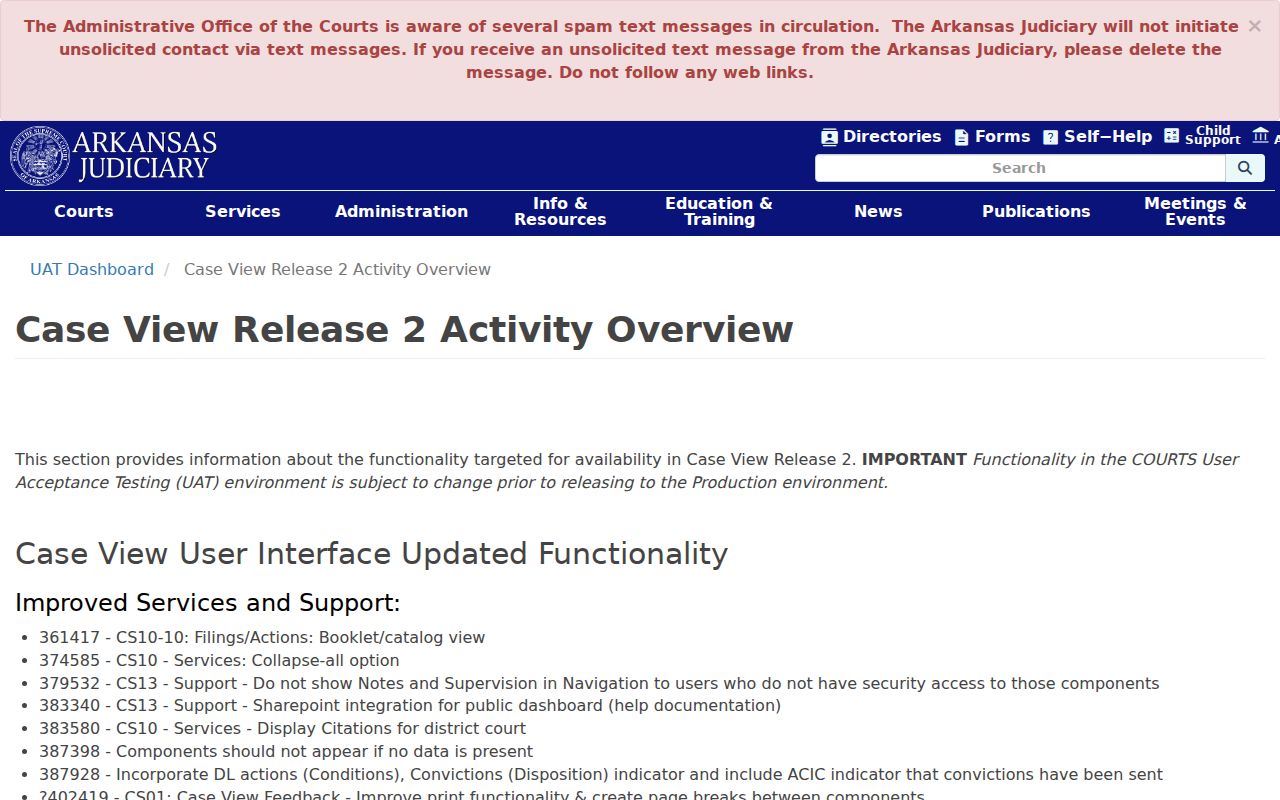
The expanded view helps confirm a result without treating one name match as conclusive.
Two Ways to Search: County and State
Faulkner County does not run its own standalone case database. Instead, it sits inside a statewide discovery layer. Through Search ARCourts, you can look across all of Arkansas. Or narrow the hunt to Faulkner County and one local court location. Remember what each side does. The portal finds things; the clerk's office is the true keeper of the file. For Circuit Court records, that means the Circuit Clerk. The named District Court department holds its own docket. Search ARCourts points you toward a case. But only the clerk confirms it and hands out official copies.
| Channel | Coverage | Best use | Limit |
|---|---|---|---|
| Search ARCourts statewide | Participating Arkansas courts | Find the likely court and case | Online print is unofficial |
| Faulkner filters | Faulkner County and selected locations | Narrow local results | Not a separate county portal |
| Circuit Clerk | Faulkner Circuit Court files | Case questions and official copies | Not the holder of each district file |
| District department | Its own local docket | District case and date confirmation | Choose the correct department |
Need to pay a traffic citation? Use the separate Arkansas citation query for that. Paying there carries legal weight, so treat it differently from simply viewing a public docket.
Faulkner County CourtConnect Search Transition
Seen a Faulkner County reference to Public CourtConnect? That name is on its way out. Arkansas now points the public to Search ARCourts, a cloud and mobile system that soft-launched in January 2024. The docket search itself still works the same way, so an old label on a bookmark is no cause for alarm.
The shift is official policy, not rumor. The Arkansas Judiciary replacement notice spells out the transition from CourtConnect.
For the details straight from the source, view the official CourtConnect replacement notice before assuming an old county label means a separate database. It does not.
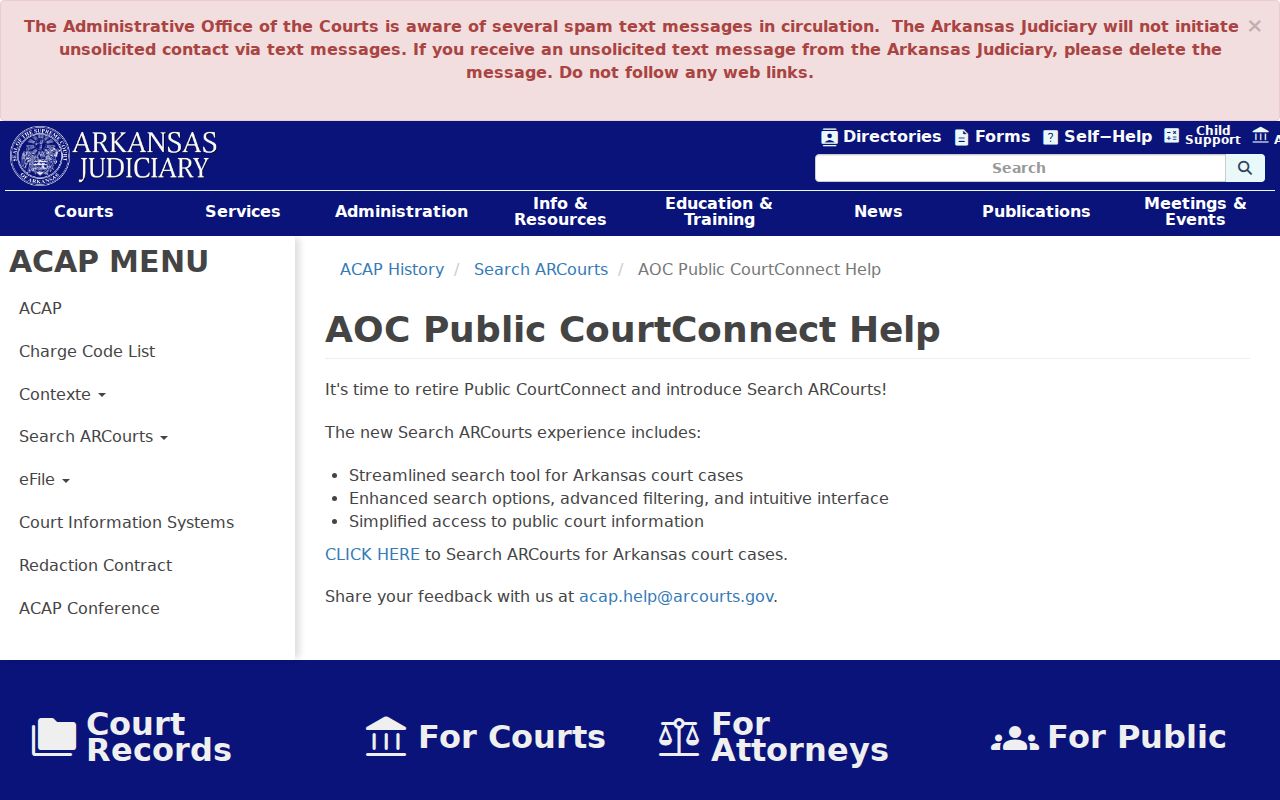
The notice ties the old public-search name to today's Search ARCourts route. Electronic filing in Faulkner Circuit Court began in 2016. Arkansas eFlex is a filing system for submitting material. It is not the public case-search portal.
Which Cases Stay Restricted
Not every case shows up online. Arkansas Supreme Court Administrative Order 19 bars data protected by law or court order. It also bars Social Security numbers, account and personal identification numbers, sealed or expunged case information, and court notes or drafts. Juvenile, adoption, dependency-neglect, and similar protected matters demand special care. No ordinary Faulkner County docket search can surface material withheld from public view.
Arkansas sealing law adds another wrinkle. An adult criminal matter may be missing from a public name search. Just because nothing turns up does not mean a proceeding never existed. Double-check the spelling, the case number, the county, the court, the historical range, and the district location. Then call the right clerk. Anything beyond public access turns on law, party status, agency authority, or a court order. It never turns on a wider web query.
Date ranges matter too. The Circuit Clerk reports a public online horizon starting January 1, 2009. Internal scans reach cases from 2000 and orders from 1997. So an older miss online may still match a record sitting with the clerk.
Faulkner County Docket Search Confirmation
Confirm every candidate before you rely on it. Match the case number, court, location, case type, filing date, status, and caption. Read the later Docket Entries, not just the first line. Any public print bears a watermark stating it is not an official court record. When the exact filing matters, request the document from the office that holds it.
The Faulkner County Circuit Clerk sits at 724 Locust Avenue, Conway. The phone is 501-450-4911. Hours run Monday through Friday from 8:00 a.m. to 4:30 p.m., except holidays. District matters stay with their local department. AOC support can repair a portal fault, but it cannot explain a judge's order or change a setting. That office explains orders. It cannot change a setting either.
Is your search really the first step of a records request? The Court Case Records page can help. It covers plain and certified copies, older scans, and clerk channels.